
Transparent output
ByteDance says Seedream 5.5 natively supports transparent and semi-transparent backgrounds, so a subject can come out as its own RGBA layer.
ByteDance Seed · Image model · Released November 2026
ByteDance’s Seedream 5.5 can output images with real transparency and keeps untouched areas intact across many edits. On Flowith it is the image model behind character sheets and storyboards you then turn into video.


Prompt: Editorial portrait of a woman in a translucent iridescent raincoat standing in soft rain, a band of prism light across her face, pale blue backdrop, 35mm film grain. Run it
The settings you get in the Flowith composer. Checked on November 14, 2026.
ByteDance says Seedream 5.5 natively supports transparent and semi-transparent backgrounds, so a subject can come out as its own RGBA layer.
Make targeted changes over several rounds; ByteDance says unedited regions stay intact at the pixel level.
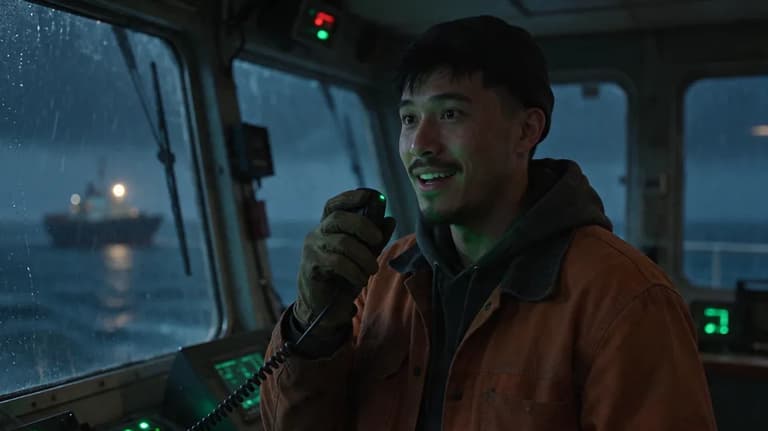
On Flowith, Seedream 5.5 drew the character and location sheets for The Keeper, which then fed every shot of the film.
The button above opens a canvas with the model already selected in the composer.
Attach reference images from the canvas or your library to hold a face, product or style.
Generate, and the image lands on the canvas.
Select the image to edit, upscale, remove the background or vary it, or use it as the start frame of a video.
Each one opens Flowith with the prompt filled in and Seedream 5.5 picked. Change anything before you send.
All of these run on the same canvas, so you can try one prompt on several models and keep the best take.
| Model | Sizes | Reference images | Pick it for |
|---|---|---|---|
| Seedream 5.5 | 1K, 1.5K, 2K | Up to 10 | Transparent PNGs, repeated edits |
| GPT Image 2.6 | Up to 3840 px | Yes | Text in images, GIF and SVG output |
| Nano Banana 2.1 | 1K, 2K, 4K | Up to 14 | Many references, extreme ratios |
| Nano Banana Pro | 1K, 2K, 4K | Yes | 4K detail |






Text, image and video models side by side. Compare them on the same prompt, pick one per shot, or let the agent choose.
Write it, picture it, film it. One sentence is enough to begin.