
15-second clips
Up from 10 seconds in Omni 1.1. Google lets you set the length in 1-second steps from 3 to 15 seconds.
Google · Video model · Released November 5, 2026
Google’s Gemini Omni 1.2 Flash makes clips up to 15 seconds and is built for quick drafts you keep editing. On Flowith you can draft cheaply, then render the take you like at 1080p or 4K.
The settings you get in the Flowith composer. Checked on November 14, 2026.
Up from 10 seconds in Omni 1.1. Google lets you set the length in 1-second steps from 3 to 15 seconds.
Google’s flow is to draft at 360p or 720p and upscale the best take to 1080p or 4K. Flowith offers all four resolutions.
Google says faces, clothes, typography and brand colors stay consistent across camera angles, with less drift than 1.1.
Google cut the price by 30% from Omni 1.1. Outputs carry an invisible SynthID watermark.
The button above opens a canvas with the model already selected in the composer.
Say what happens, how the camera moves and what it sounds like. Add a start or end frame, reference images or clips, or a saved character.
Generate, and the clip lands on the canvas as a card next to its references.
Reshoot, continue from the last frame, or put the shots in order in the editor. Or ask Creator Agent to plan the film and pick a model for each shot.
Each one opens Flowith with the prompt filled in and Gemini Omni 1.2 Flash picked. Change anything before you send.
All of these run on the same canvas, so you can try one prompt on several models and keep the best take.
| Model | Clip length | Resolution | References | Pick it for |
|---|---|---|---|---|
| Seedance 2.5 | 4–30 s | 480p–1080p | 30 images, 10 videos, 10 audio | Long single takes that follow many references |
| Kling 4.0 | 3–30 s | 720p, 1080p | 10 images, 5 videos | People, motion and start/middle/end frames |
| Wan 3.0 | 5, 10, 15, 20, 30 s | 480p–1080p | Start image | Text or image to video with sound |
| Gemini Omni 1.2 Flash | 3–15 s | 360p–4K | 6 images, 3 videos | Cheap drafts, then edits and upscales |
| Veo 3.1 | 4, 6, 8 s | 720p–4K, by variant | Start image | Short clips with native sound |


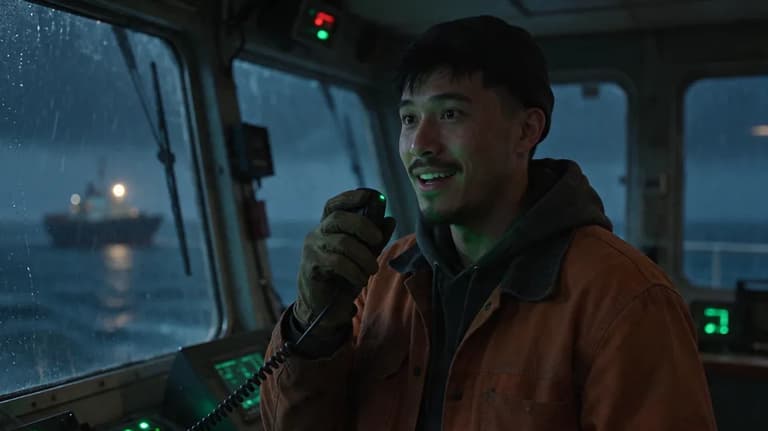





Text, image and video models side by side. Compare them on the same prompt, pick one per shot, or let the agent choose.
Write it, picture it, film it. One sentence is enough to begin.