
Canvas Cowork: two revisions from one brief

On this page
A revision can replace a draft or branch from it. With Canvas Cowork, give two follow-ups the same parent node and review both results alongside the brief. The parent stays available for the next round.
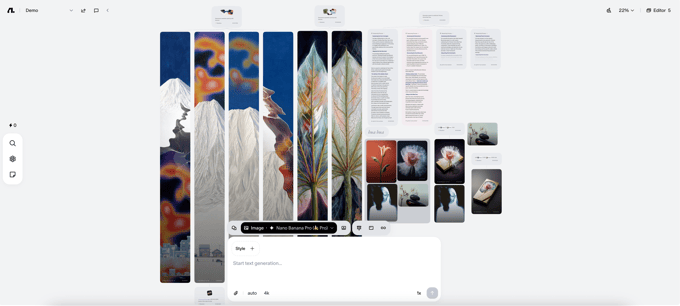
From Flowith’s Canvas release. It shows how images and text can sit on one workspace, not the output of the example commands below.
Start from the same source
Keep the approved brief in one node. For a launch, you might need a short product-page summary and a longer release note. Both should describe the same change. Send each request back to the brief instead of asking the agent to edit the first revision into the second.
Use the Canvas Cowork setup guide to connect your account. From the skill directory, set BRIEF_NODE to the node ID for the existing brief. The current skill documents this command form:
bun scripts/index.ts --bot codex gen text "Write a two-sentence product-page summary. Keep the launch claim unchanged." --follow "$BRIEF_NODE"
bun scripts/index.ts --bot codex gen text "Write a short release note. State the change and its limits." --follow "$BRIEF_NODE"
The documented response includes the result and its node ID. Use that ID to return to a draft without searching the terminal transcript.
Read both drafts against the brief
Check for any launch date, availability claim, or promise that the source does not support. Continue from the result node that fits the task and keep the other branch available for review. The commands illustrate the workflow; they are not a timed test or a claim about the results you will get.


